
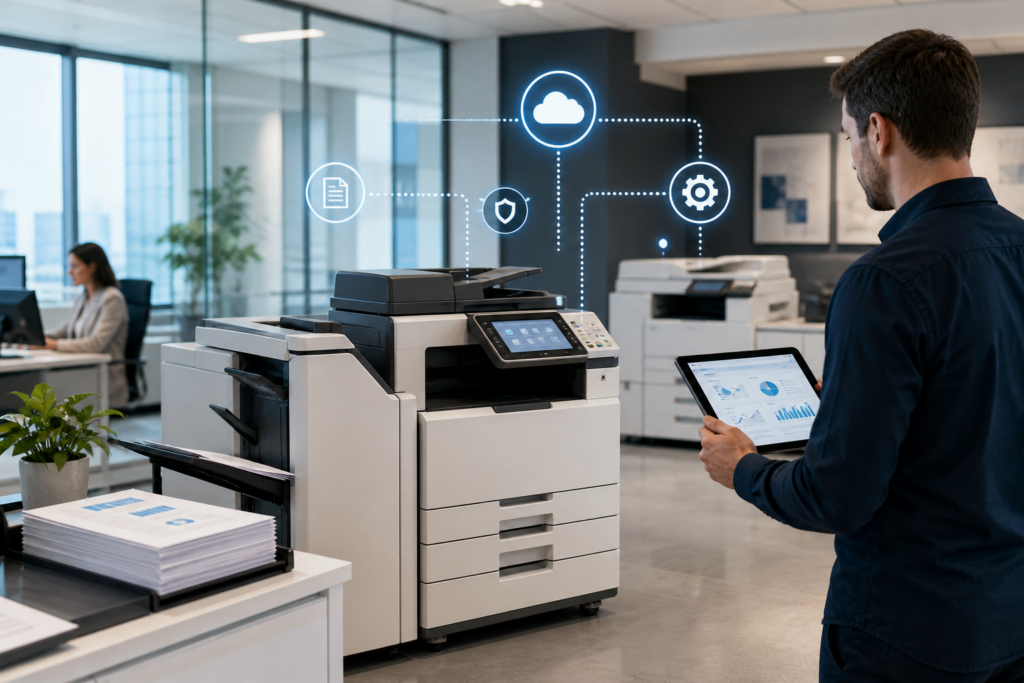
You’ve likely heard of Managed Print Services (MPS) if your business relies on printers, copiers, and scanners daily. But what does it actually mean and is it worth it?
What is MPS?
Managed Print Services (MPS) is a solution where a provider manages your entire print environment. Instead of handling printers, toner, maintenance, and breakdowns yourself, everything is managed for you under one agreement.
Typically, MPS includes:
- Printer and copier supply
- Ongoing maintenance and servicing
- Automatic toner replenishment
- Remote monitoring of devices
- Usage tracking and reporting
Put simply, MPS is fully managed printing, with predictable costs and less hassle.
How Managed Print Services Work
- Assessment of Your Current Setup
The provider reviews your current devices, monthly print volumes, costs and inefficiencies, and business requirements. This helps identify where savings and improvements can be made. - Optimisation of Your Print Environment
Based on the assessment, the provider may replace outdated devices, reduce the number of printers, introduce more efficient machines, and improve device placement. The goal is to create a more cost-effective setup. - Ongoing Management and Monitoring
Once implemented, your print environment is continuously monitored. This includes automated toner ordering, performance tracking, proactive maintenance alerts, and remote diagnostics. This reduces downtime and improves reliability. - Support and Maintenance
With MPS, support is typically included – the repairs and servicing, parts and labour, call-out support, and software updates. This removes the burden from your internal team.
Benefits of MPS
- Reduced Printing Costs
One of the main advantages of MPS is cost control. Businesses often reduce printing costs by eliminating unnecessary devices, optimising print usage, lowering cost per page, and avoiding emergency repair costs. - Predictable Monthly Costs
Instead of unexpected expenses, MPS usually operates on a fixed monthly fee. This helps with budgeting, cost forecasting, and finance control. - Improved Efficiency
MPS improves how your business prints – faster workflows, less downtime, and better device performance. Employees spend less time dealing with printing issues. - Better Visibility and Reporting
MPS provides insight into print volumes, device usage, and cost breakdowns. This allows for better decision-making. - Reduced IT Burden
Your IT team no longer needs to manage printer maintenance, toner orders, and troubleshooting.
Is Managed Print Services Right for Your Business?
MPS is typically a good fit if you have multiple printers or copiers, printing costs are unclear or increasing, your team experiences frequent issues, you want predictable monthly costs, and you lack internal resources to manage print. For smaller businesses with minimal printing, MPS may be less necessary.
Managed Print Services vs Traditional Setup
| Feature | Traditional Printing | Managed Print Services |
| Cost Control | Low | High |
| Maintenance | Reactive | Proactive |
| Toner Supply | Manual | Automated |
| Visibility | Limited | Full reporting |
| Support | Ad hoc | Included |
Common Misconceptions About MPS
- “MPS is only for large businesses”
Not true. Many SMEs benefit from MPS, especially those with growing teams. - “It’s expensive”
While there is a monthly cost, MPS often reduces total spend through efficiency and optimisation. - “We lose control”
In reality, you gain more visibility and control through reporting and structured management.
What to Look for in an MPS Provider
If you’re considering Managed Print Services, check service response times, contract flexibility, cost per page structure, included services (toner, maintenance, support), device recommendations, and reporting capabilities. Choosing the right provider is just as important as choosing the right machines.
Signs Your Business Needs MPS
You may benefit from MPS if:
- Your printing costs are inconsistent
- Devices frequently break down
- You’re managing multiple suppliers
- Your team spends time fixing printer issues
- You lack visibility on usage
These are common indicators of an inefficient print environment.